Analyze Data Using Artificial Intelligence Without Complex Formulas
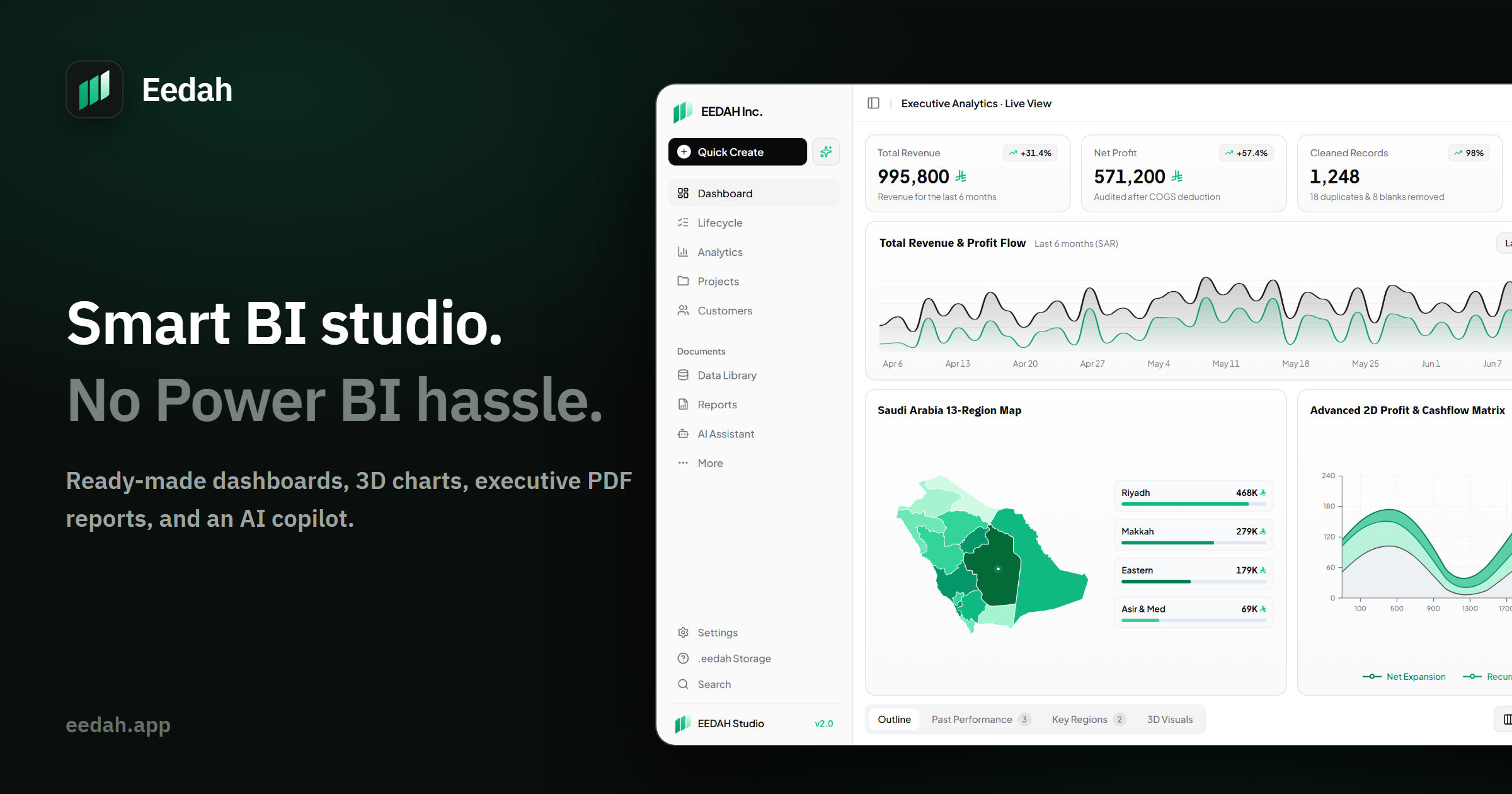
Replace hours of manual spreadsheet prep with AI that cleans raw rows, computes key metrics, and explains what matters in plain language.
What Slows People Down Before AI Data Analysis?
Four Steps to Analyze Data With AI
Upload Raw File
Drop your Excel or CSV file as-is with zero manual pre-cleaning.
Smart Cleaning & Mapping
AI recognizes columns, fixes formats, and removes duplicate rows.
Automated Analysis
Key metrics, comparisons, and anomaly alerts are generated instantly.
Explore & Ask AI
Review the dashboard, ask follow-up questions, and export reports.
Applied Example: Turning a Messy Sheet Into Actionable Answers
Uploading an unformatted sales and expense export produces a cleaned workbook, top-margin highlights, and clear cost alerts in moments.
Automated Hygiene
100%
KPI Extraction
Automatic
AI Conversation
EN + AR
Outputs
Dashboard + PDF
- Saves hours of repetitive manual cleanup every week.
- Translates raw numbers into clear, actionable takeaways.
- Built for business teams, analysts, students, and researchers.
What You Can Do When You Analyze Data With AI
No statistics or coding background required to extract deep insights.
Connects revenue, costs, and time trends automatically.
Ask about any branch, item, or month and get a grounded response.
Export a normalized Excel file after automated cleaning.
Turn findings into a polished PDF summary in seconds.
Frequently Asked Questions
Do I need coding skills to analyze data with AI?
No. Simply upload your file and Eedah handles cleaning, modeling, and charts.
Is it helpful for beginners and students as well as companies?
Yes, it is designed for both individual analysts and growing business teams.
How does AI handle messy spreadsheets?
It removes duplicates, strips blanks, and standardizes dates and currencies first.
Can I ask questions in Arabic and English?
Yes, the AI assistant supports both languages fluently.
Which file types can I upload?
Excel (.xlsx, .xls), CSV, store exports, and financial ledgers.
How do I get started?
Choose a monthly or annual subscription and upload your first file right away.
Make AI Your Everyday Data Analysis Partner
Subscribe for 99 SAR/month or 799 SAR/year (VAT included) to start analyzing data with AI today.
Explore More Eedah Solutions
Upload any Excel or CSV file to automatically remove duplicates, standardize Hijri and Gregorian dates, separate 15% Saudi VAT, and generate interactive 3D executive dashboards with a bilingual AI analyst.
Skip steep DAX learning curves and expensive BI consultants. Eedah delivers full Arabic and English interactive dashboards, SAR & net margin awareness, and 3D executive visuals in 60 seconds.
Stop relying on vanity gross sales numbers. Upload your Salla or Zid order export to uncover true net profit after COGS, shipping fees, payment gateway commissions, returns, and 15% Saudi VAT.
Discover your highest-margin menu items, compare branch performance across Saudi cities, and measure the real profit impact of delivery app commissions and discounts.
Stop mistaking gross cash inflow for net profit. Upload your sales and expense spreadsheets to Eedah to automatically extract 15% Saudi VAT, compare output vs. input tax, and reveal true net margins.
Eliminate garbled Arabic UTF-8 characters, duplicate rows, text-formatted numbers, and mixed date styles in one click before generating your executive dashboard.