Visualize Your Sales Across All 13 Saudi Regions on an Interactive Map
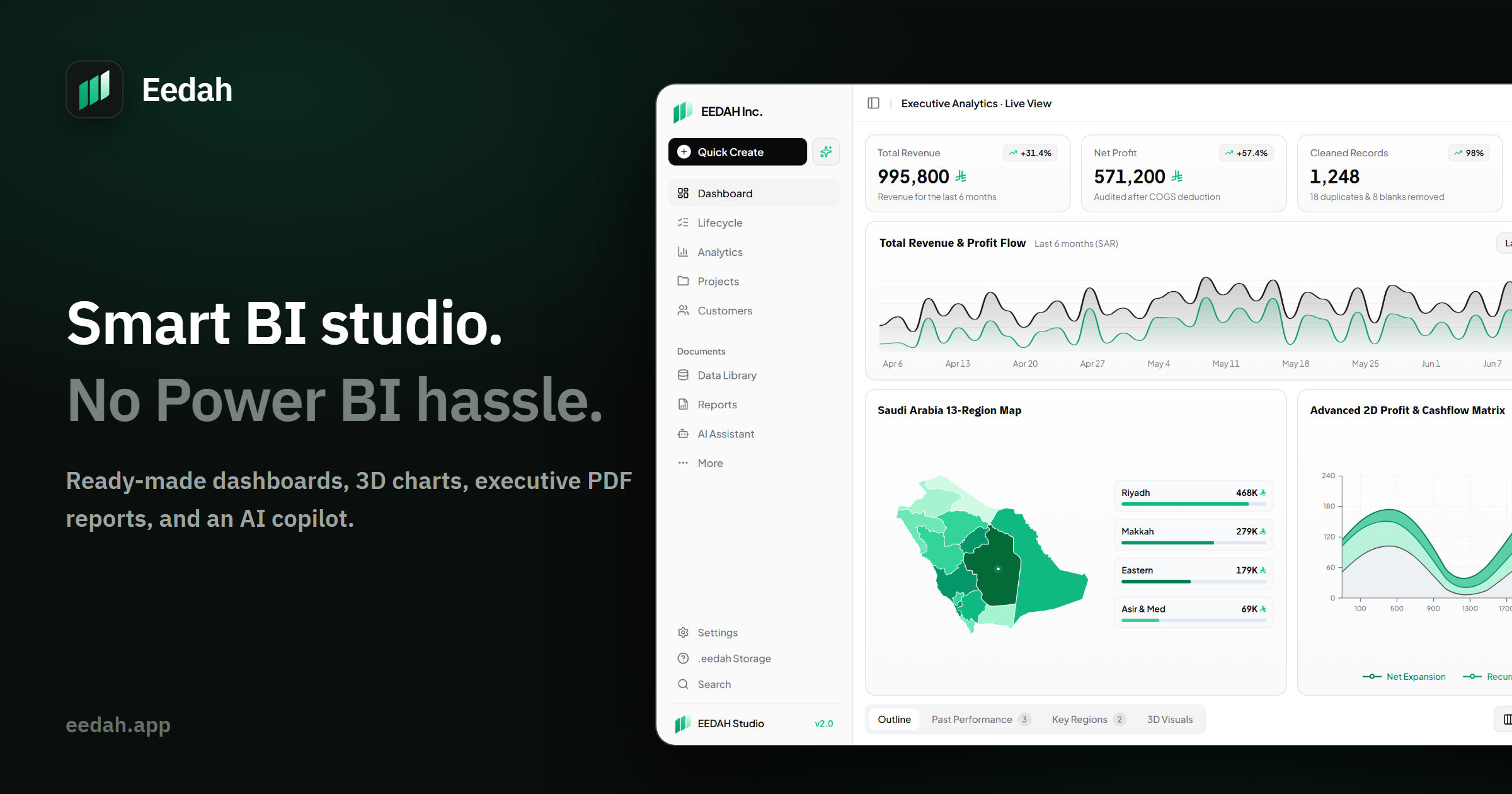
Upload your order or customer spreadsheet and let Eedah automatically map Saudi cities and governorates into the 13 administrative regions with SAR revenue, order volume, and growth heatmaps.
Why Geographic Analysis Breaks Down in Standard Spreadsheets
Map Your Saudi Market Performance in 4 Steps
Upload Sales File
Drop your Excel or CSV sheet containing a city or region column into Eedah.
Auto-Map Saudi Cities
Eedah matches Arabic and English Saudi city names to their exact 13 administrative regions.
Regional Analysis
Calculates SAR revenue, order count, average basket size, and growth rate per region.
Explore Interactive Map
Hover or click any Saudi region to drill into city-level metrics and update dashboard charts.
Case Study: National E-Commerce Expansion Insights
Mapping 11,000 nationwide shipments revealed that Al-Qassim and Asir were generating the fastest order growth rates despite receiving zero localized ad spend.
Riyadh Region
1,420,000 SAR
Makkah Region
890,000 SAR
Eastern Province
610,000 SAR
Al-Qassim (Fastest Growth)
245,000 SAR
- Automatically rolled up Jeddah, Makkah, and Taif into Makkah Region with city drill-down.
- Spotted high shipping costs to peripheral regions, justifying a regional fulfillment hub.
- Reallocated ad budgets toward rising regions, lifting overall campaign ROI by 24%.
Built-In Saudi Geographic Intelligence
Covers Riyadh, Makkah, Eastern Province, Madinah, Qassim, Asir, Tabuk, Hail, Jazan, Najran, Al-Baha, Al-Jouf, and Northern Borders.
Recognizes Arabic and English city names and common spelling variations automatically.
Color-codes regions by revenue, profit, or customer density with rich hover tooltips.
Selecting a region filters surrounding KPIs, category charts, and tables instantly.
Include crisp regional maps inside executive PDF briefs for expansion planning.
Frequently Asked Questions
Do I need a region column, or is a city column enough?
A city column is enough. Eedah automatically maps cities like Riyadh, Khobar, Abha, or Buraydah to the right Saudi region.
Does it recognize English and Arabic city names in the same file?
Yes, our geo-mapper normalizes both Arabic and English city names seamlessly.
Do I need to upload GeoJSON or shapefile coordinates?
No. The 13-region Saudi Arabia map is built natively into Eedah and works immediately.
Can I map metrics other than sales revenue?
Yes, map customer counts, returns, branch headcount, or any numeric column in your sheet.
Does this work with Salla, Zid, and Foodics exports?
Yes, simply upload your store or POS export and Eedah plots your Saudi footprint automatically.
How much does the Saudi map feature cost?
It is included in the standard subscription of 99 SAR/month or 799 SAR/year (net margin included).
See Your Saudi Regional Growth Footprint Clearly Today
Subscribe for 99 SAR/month or 799 SAR/year (net margin included) and turn city lists into an interactive Kingdom map.
Explore More Eedah Solutions
Upload any Excel or CSV file to automatically remove duplicates, standardize Hijri and Gregorian dates, separate 15% Saudi VAT, and generate interactive 3D executive dashboards with a bilingual AI analyst.
Skip steep DAX learning curves and expensive BI consultants. Eedah delivers full Arabic and English interactive dashboards, SAR & net margin awareness, and 3D executive visuals in 60 seconds.
Stop relying on vanity gross sales numbers. Upload your Salla or Zid order export to uncover true net profit after COGS, shipping fees, payment gateway commissions, returns, and 15% Saudi VAT.
Discover your highest-margin menu items, compare branch performance across Saudi cities, and measure the real profit impact of delivery app commissions and discounts.
Stop mistaking gross cash inflow for net profit. Upload your sales and expense spreadsheets to Eedah to automatically extract 15% Saudi VAT, compare output vs. input tax, and reveal true net margins.
Eliminate garbled Arabic UTF-8 characters, duplicate rows, text-formatted numbers, and mixed date styles in one click before generating your executive dashboard.